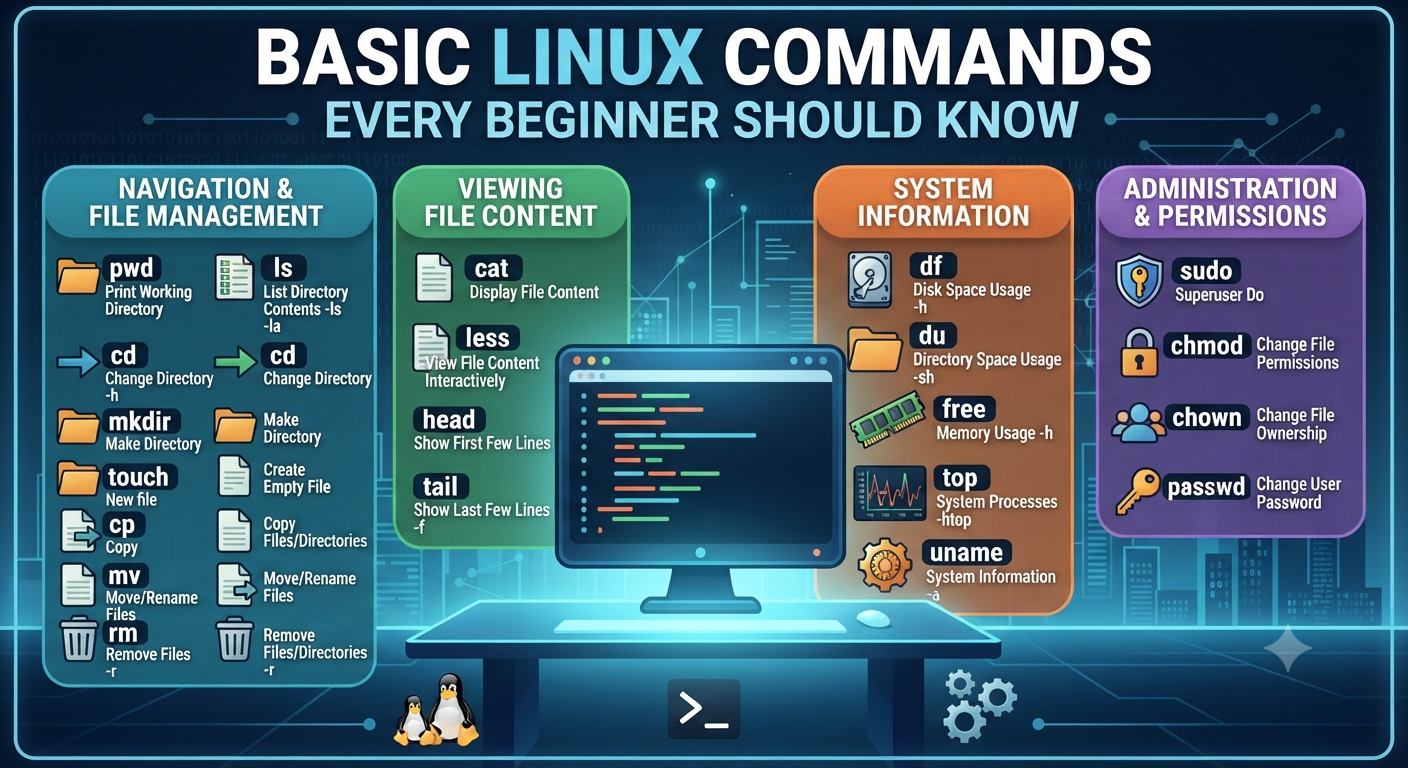
Essential Linux Commands Every Beginner Must Learn
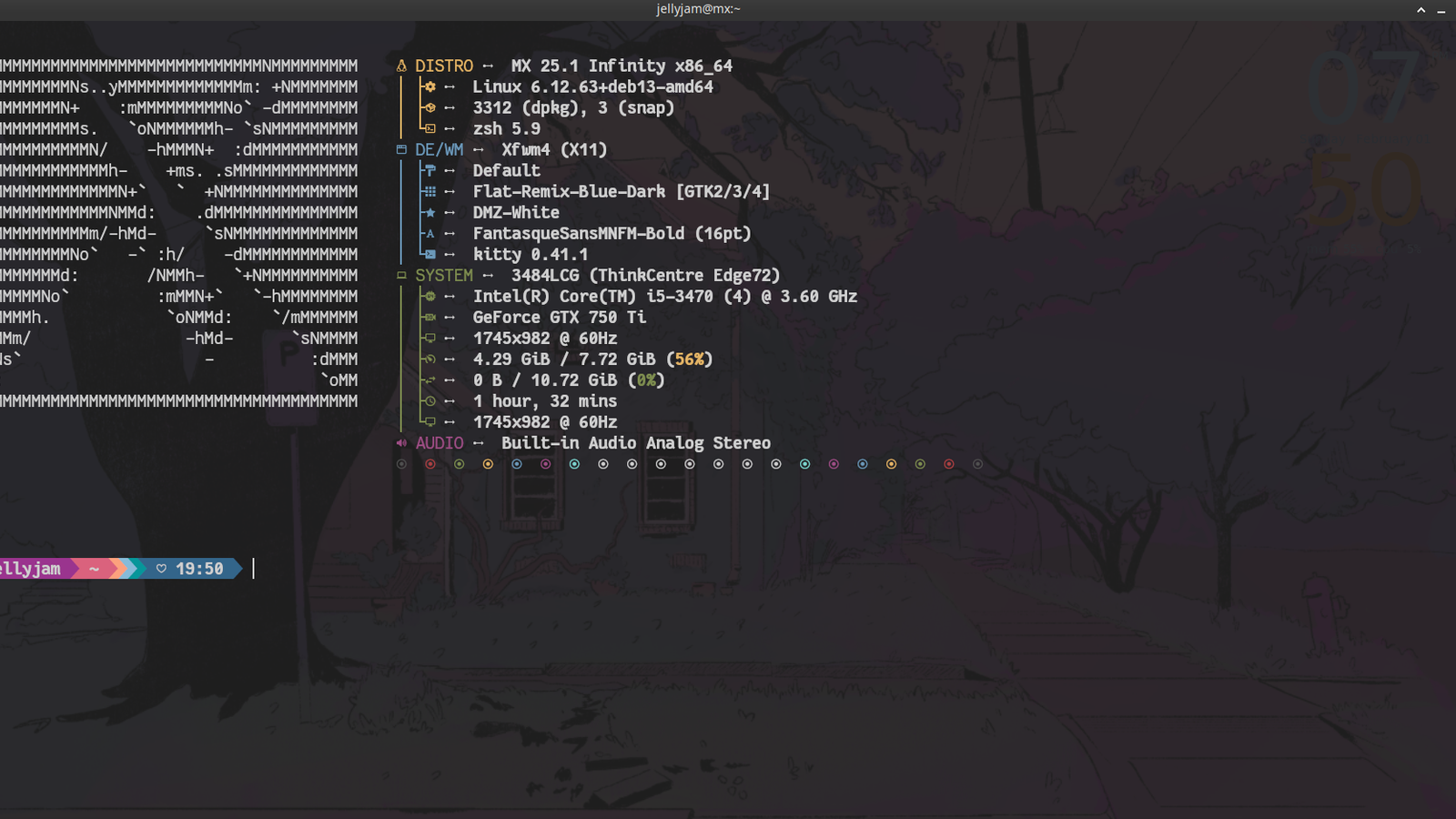
When you first open a Linux terminal it can be like looking at a blank wall. There are no menu, no icons, just a blinking cursor waiting for you to type something. But the good news is you don’t have to memorize hundreds of commands to feel comfortable. A small, well-chosen set of basic Linux commands will cover almost everything a beginner needs for their first few weeks of learning.
This is not a syntax dump. Instead, it walks through the areas every beginner should focus on when learning basic Linux commands, why each one matters, and how they fit together as you build real Linux skills — whether your goal is system administration, DevOps, or cybersecurity.
So why learn basic Linux commands in the first place?
You might ask yourself why the terminal is important at all, when Linux also has graphical interfaces. Most servers, cloud environments and security tools simply don’t have a desktop – only a command line. All RHCSA exams, all DevOps pipelines, and all penetration testing engagements assume you are comfortable working through a terminal, not clicking through menus.
Knowing basic Linux commands is not about looking cool. It’s about being able to work faster, automate boring operations and work on remote systems without graphical user interface. When you get these skills down pat, the terminal is nothing to be scared of, and seems more like the most efficient way to do things.
Begin with Navigation and Orientation

But before you can do anything useful on Linux, you need to know where you are and how to get around. This is the first skill area that beginners almost always need to work on – knowing how to check where you are in the system and move confidently between different parts of the system.
This sounds simple, but it’s foundational. Knowing how to orient yourself and navigate smoothly is assumed in almost every other task you will ever do in Linux. One of the most common reasons beginners get lost later on is rushing past this stage.
Getting to Know Files and Folders
Once you get comfortable navigating you move on to the next skill set. Managing files and folders themselves – creating them, organizing them, copying them, renaming them, removing them when they are no longer needed.
Here again, beginners learn one of the most important lessons in Linux: deletion in Linux is permanent. There’s no recycle bin waiting to save you if you accidentally delete something. One of the best habits a new Linux user can form early on is the habit of double-checking before removing anything.
Learn How to Read and View Content
Sometimes you don’t want to launch a whole application just to look inside a file. It’s part of learning basic linux commands to be comfortable with viewing content directly, scrolling through longer files, and checking just the beginning or end of something without opening the whole thing.
This skill will be particularly useful when you begin working with logs and system output, where you usually want to see information as it is updated in real time, not reading a static snapshot.
How to Search Effectively
As systems get more complex, it becomes important to be able to find things quickly. There are two closely related skills that are relevant here. Finding files by name or by their properties. Searching the contents of files for particular text or patterns.
Together, these searching skills allow you to locate pretty much anything on a system — whether it is a misplaced item or a single relevant line in a mountain of information. This is one of those areas where comfort with basic Linux commands starts to feel powerful rather than just functional.
Learn About Permissions & Ownership
On a Linux system, everything is owned by someone, and there is a set of rules that control who can see it, change it, or run it. Understanding how to check and adjust these settings is an important part of using Linux responsibly, especially on shared or multi-user systems.
That’s a deep topic all by itself (we’ve covered it extensively in our dedicated guide to Linux file permissions) but even a basic understanding of how ownership and access control works will go a long way toward rounding out your early skill set.
System Health & Status Review
Sometimes you just want to know what’s going on on the machine itself – who’s logged in, how much storage is available, what’s running, general information about the system. You won’t be doing these checks every single day, but when something feels wrong – slow performance, limited storage, odd behavior – this is usually the first place experienced Linux users will look.
Getting familiar with these status checks early on means you won’t be flying blind the first time something needs troubleshooting.
Find Out How Software Is Installed
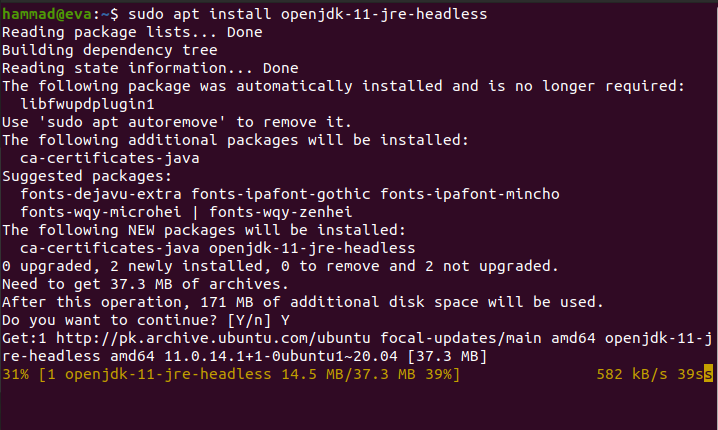
You do not download installers as you might on other OSes. Usually (depending on the Linux distribution you use) software is installed and managed through a package manager. Beginners should understand this concept early, along with the general idea of elevated permissions — temporarily gaining administrator-level access to perform actions that affect the whole system rather than just personal files.
This idea comes up all the time once you get beyond personal experimentation and into managing real systems.
Typical New Player Mistakes
- Memorizing everything all at once. You get used to basic Linux commands through repetition, not by trying to memorize them all at once.
- Not including the included manual pages. In Linux, all commands are documented right in the system, and usually faster to check than look up online.
- Being reckless with deletion. There is no undo, so always confirm what you are removing before hitting enter.
- Freaking out about those tasks that actually need elevated permissions because you’re scared to use them at all.
Basic Linux Commands FAQ (Frequently Asked Questions)
1. What is the most important area of skills to learn in Linux first?
Navigation and orientation. Knowing where you are and how to move around the system is the basis for almost everything else.
2. Do I have to learn all the basic Linux commands to get started?
No. Most beginners just need a small core set, which can handle 90% of the daily tasks. Familiarity is built naturally, not through memorization, but through repeated use.
3. Why does a beginner need to know about permissions?
Linux is designed to be multi-user system. Permissions are how the system determines who may see or change what. Not knowing this early can cause security issues or frustrating access errors.
4. How do I install programs in Linux?
All Linux distributions have their own package manager to install and update software as well as a way to temporarily elevate permissions for making system-wide changes.
5. Is Linux command line hard for a beginner to learn?
Not so much. For most users, only a few basic Linux commands will cover the bulk of their daily needs. The difficulty lies not in the complexity of Linux commands but rather in the unfamiliarity.
Final Thoughts
No need to become an expert in terminal overnight. Learning basic Linux commands is really about building comfort gradually — starting with navigation, adding in file management, then searching, permissions and system checks as you need them. After a few weeks of regular use, the command line goes from being scary to the quickest way to get things done.
If you’d prefer to get your hands dirty with these skills instead of just reading about them, Pentest Craft’s RHCSA and Linux courses put you in real lab environments where you’ll practice these skills as you would on a live production system.